

Aluminium Skirting Duct: The Easiest Way to Run Power and Data Along any Wall
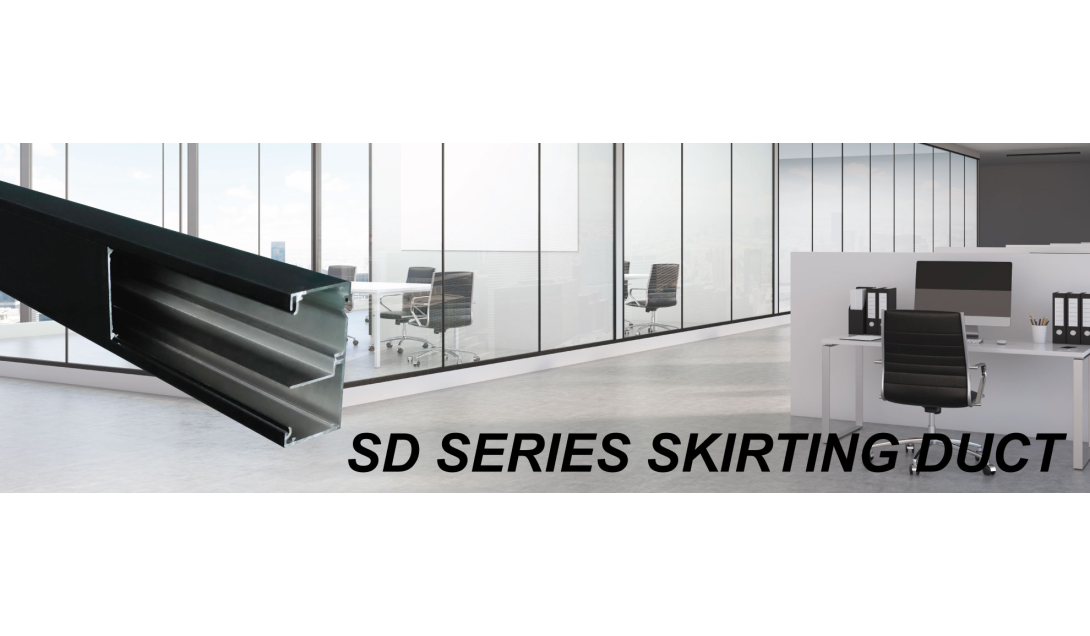
Aluminium Skirting Duct: The Easiest Way to Run Power and Data Along any Wall
Not every cable run belongs on a floor. For office fit-outs, schools, and renovations where you want power and data accessible along a wall—without chasing into the slab or running conduit through a ceiling—aluminium skirting duct is usually the simplest, cleanest answer.
What Skirting Duct Does
A skirting duct is a channel that mounts directly to the wall at skirting level (or higher) and houses cabling along its run, with outlets fitted wherever you need them. It mounts straight to the wall with no structural modification, which makes it fast to install in both new builds and retrofits.
Cableaway’s SD Series is built around 2-division and 3-division channels, separating power from data, Cat 5, Cat 6, and Cat 6A cabling within the same duct run. Centre-mounted GPOs and data outlets clip in wherever you need an access point, and the system also handles AV cabling — HDMI, VGA, component, and microphone jacks — through Cableaway’s 45 series multimedia outlets.
Sizes Available
The SD Series comes in five standard profiles, so you can match the duct to how much cabling actually needs to run through it:
• 50 x 100mm
• 40 x 150mm
• 50 x 150mm
• 50 x 200mm
• 60 x 200mm
Smaller profiles suit light power-and-data runs; the larger 60 x 200mm size gives more room where a run is carrying heavier cable volumes or multiple outlet types.
Finishes and Colours
Skirting duct sits in plain sight, so finish matters. Cableaway offers:
• Natural anodised — the standard finish
• Powder-coated black satin
• Powder-coated pearl white
• Powder-coated oyster grey
If none of those match the fit-out, custom colours can be matched from the Dulux or Interpon powder coat colour charts.
Why Choose Duct Over Floor Boxes or Conduit?
A skirting duct isn’t a replacement for floor boxes or cable trays—it solves a different problem. It’s the right call when:
• Outlets need to sit along a wall rather than in the middle of a room
• You want a clean retrofit with no cutting into the slab
• The space needs flexibility to add or move outlets later—duct lids clip or drop in, so accessing the cabling inside doesn’t mean re-opening a wall
• Power, data, and AV all need to run together in one tidy channel rather than three separate systems
For floor-level power and data in the middle of a room, a floor outlet box is still the better fit—the two systems are commonly specified together on the same project.
A Few Things to Check Before You Order
• Division count: 2-division separates power and data; 3-division adds a third channel, often for AV
• Lid type: clip-on or drop-in, depending on how often you expect to access the cabling
• Corners and ends: internal/external corner pieces and premade blanking ends are available, so plan your run, including corners, before ordering
• Outlet type: centre-mounted GPOs, data outlets, or 45 series multimedia outlets for AV
Get the Right Spec the First Time
Cableaway can help you work out duct size, division count, and finish before you place an order—call 1300 883 452 or email sales@cableaway.com.au, or browse the full range at cableaway.com.au/40-skirting-duct-2-channel.